
How to automate calendar handling with AI?
Hi I'm Jesse, founder of Omnier! Here's some tips and tricks I found for automating calendar event handling while building my product.
The core problem
When doing sales, calendar and meetings are probably the #1 place where real progress happens. It's when we are talking to people, learning from users, moving deals in the funnel.
Handling the events, preparing for the meetings, taking participant changes into account, rescheduling after cancellations, or updating CRM after successful talks, brings a lot of overhead work that is not tied to value creation. This is what I wanted to automate away.
Claude Code / Codex setup
What I quickly realized while talking with founders and sales reps, is that running your GTM setup with Claude Code or Codex is now the norm, including calendar. As an example, here is the quick workflow for adding Google Calendar to Claude Code (Desktop):
Go to Customize -> Connectors -> Browse connectors -> Search for Google Calendar and connect

The connector is super powerful for working with meetings! Useful references:
What’s missing?
The connections from Claude or Codex only works one way. This means, in order to do anything useful with the calendar connection, you have to manually prompt your agent every time.
- Before every meeting: ”Hey prep for my upcoming meeting with X, create a note and attach it to the company record in my CRM...”
- After every meeting: ”Hey get my meeting transcript from X, create a recap note and attach it to the company record in my CRM, and also update the deal and company records based on the meeting...”
- Meeting participant changes: ”Hey there was a new person from company X that was added to the meeting Y, can you fetch their info and update the prep note...”
- And more…
With even a moderate amount meetings, this gets repetitive fast. Couple this with all the other apps you’re using through your agent -> you’re spending your whole day just prompting.
Omnier task list
The problem above is what I’m trying to solve. What I want, is to just show up in meetings, and let the AI do its thing in the background. This is how I’ve tackled it:
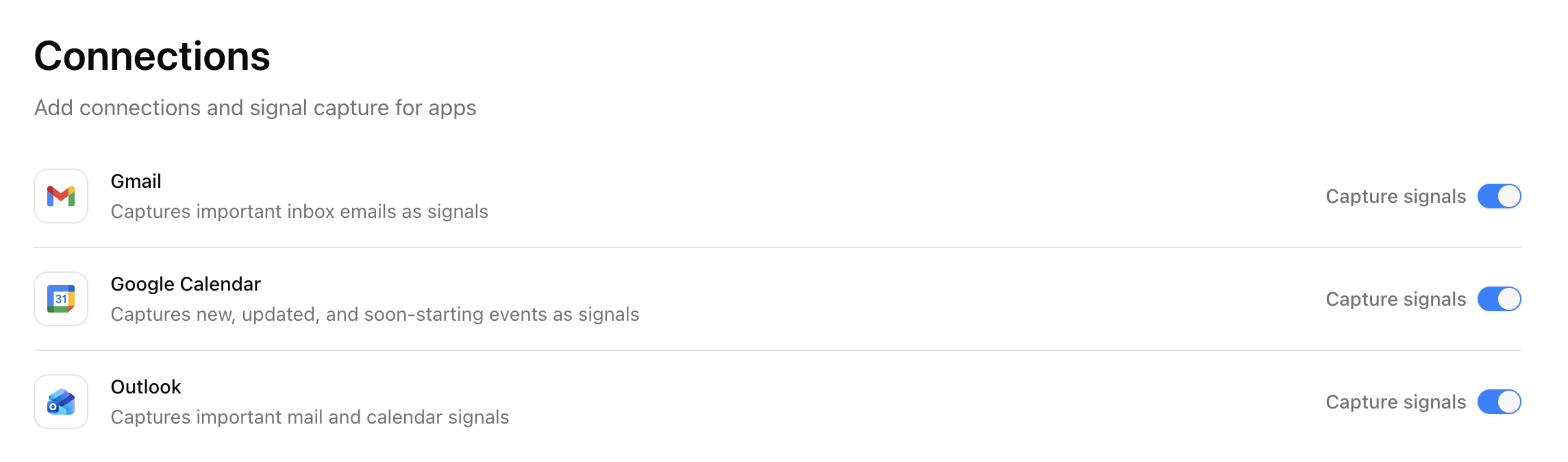 Omnier monitors your calendar app, and is notified every time a new event is created, a meeting is updated, and so on.
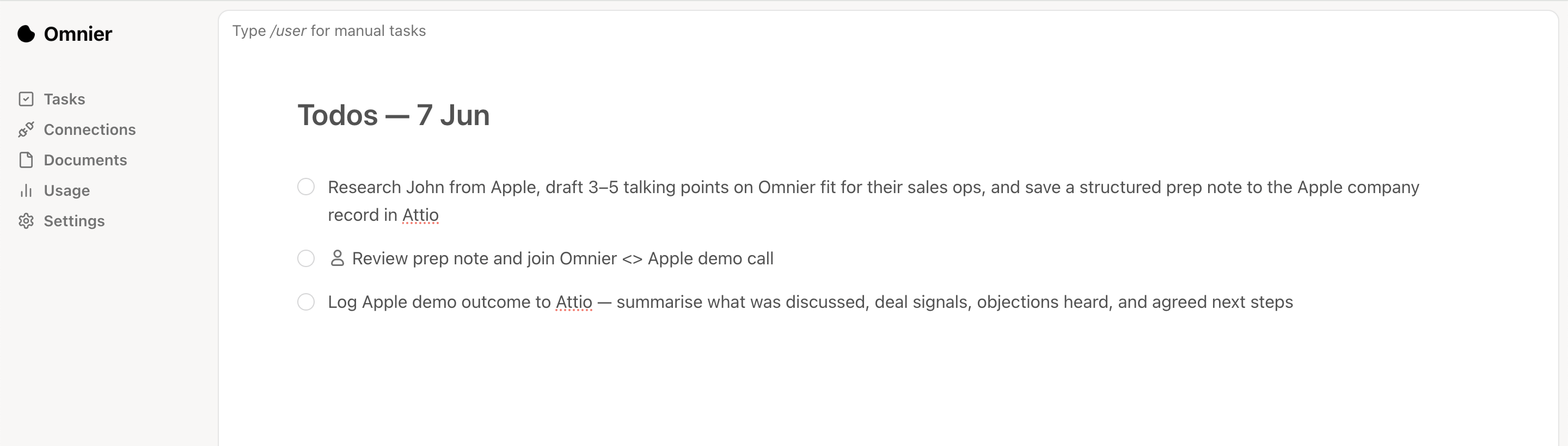 Based on the signal, Omnier finds out what the context is, and creates clear descriptive tasks based on the signal.
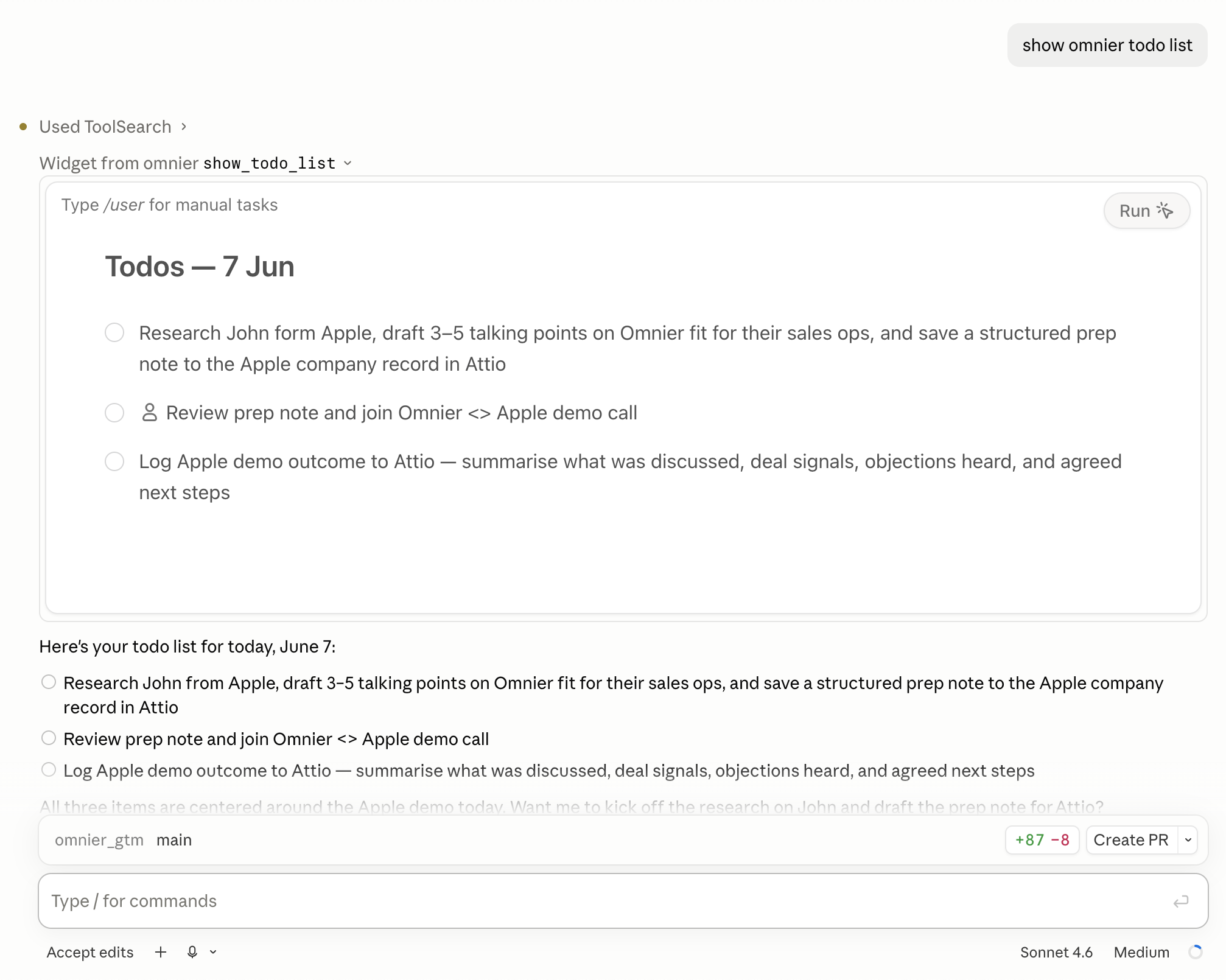 Your main agent (Claude / Codex) has access to the tasks in chat. Instead of manually prompting what to do, you can fetch the update todo list, and run the non completed tasks.
 This closes the loop, and your agent can act based on real events happening in your calendar. Now information not only flows from agent -> calendar, but also from calendar -> agent!
Final piece
Currently you still need to tell your agent in chat to fetch / run the Omnier todo list. To make the loop completely autonomuous, one extra piece can be added. You can setup a scheduled or api triggered automation run in Claude or Codex which checks the Omnier todo list, and acts accordingly:
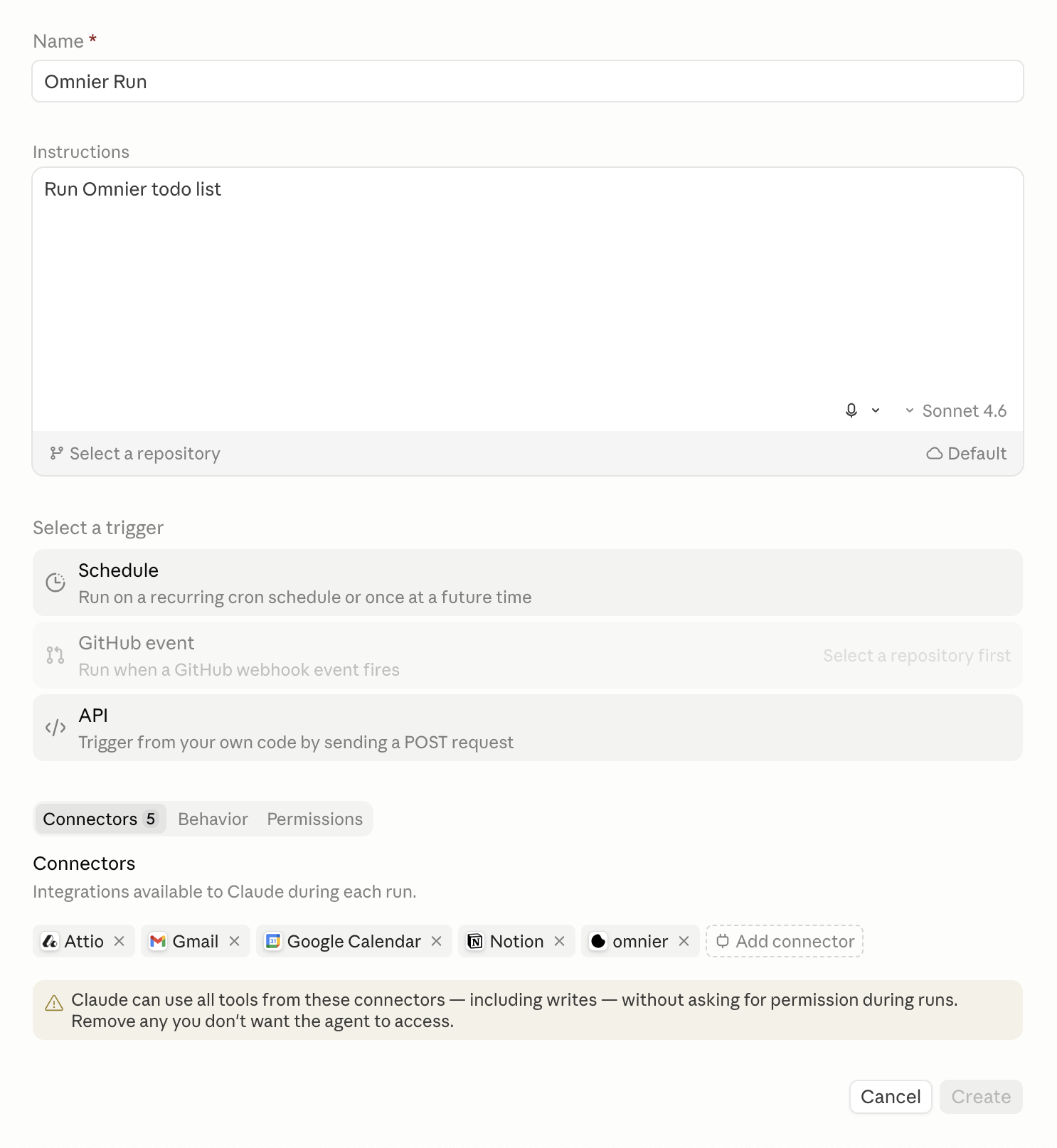 Choose either schedule or API trigger to fire of the routine
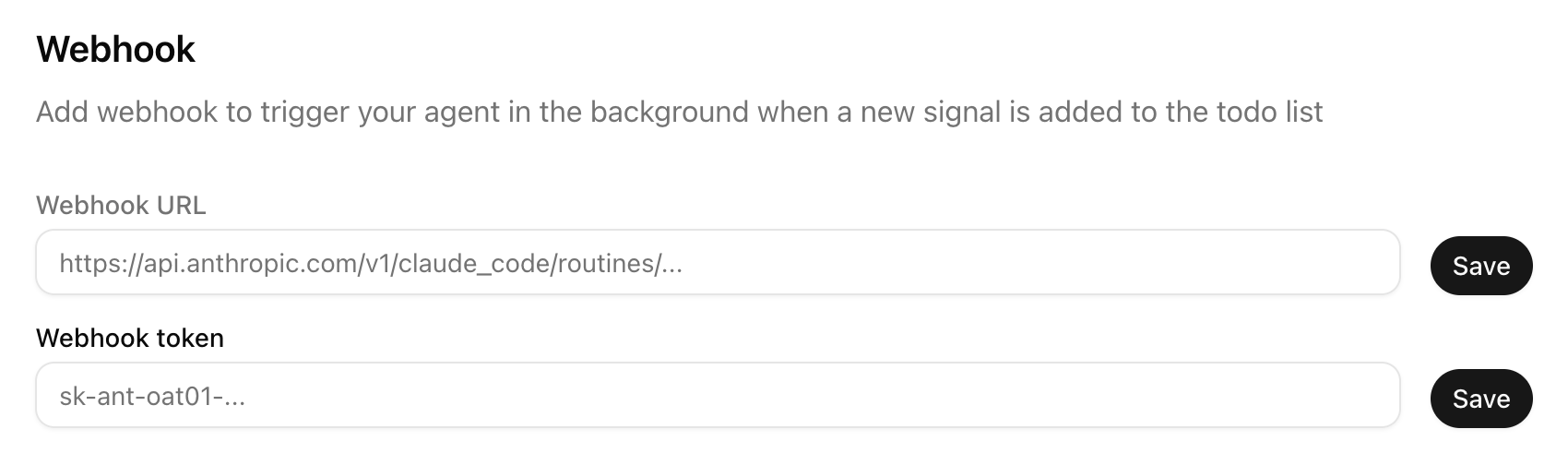 If you want trigger your agent via API call, save the URL and token into Omnier connections page to make the flow work
With Omnier, you don’t have to build several automation runs and design complicated instructions yourself for different types of events.
Try Omnier
If you're interested in trying out the todo list, here are the simple steps to connect Omnier to your agent: Getting started guide
Currently, when you signup, you’re automatically given free pilot credits to get started. No credit card required, no strings attached.
If you’re interested in learning more, send me a message at jesse@getomnier.com
Hope this guide helps! I will also add more guides and use cases for the Omneir todo list in the near future.
Cheers, Jesse